
A real family graph
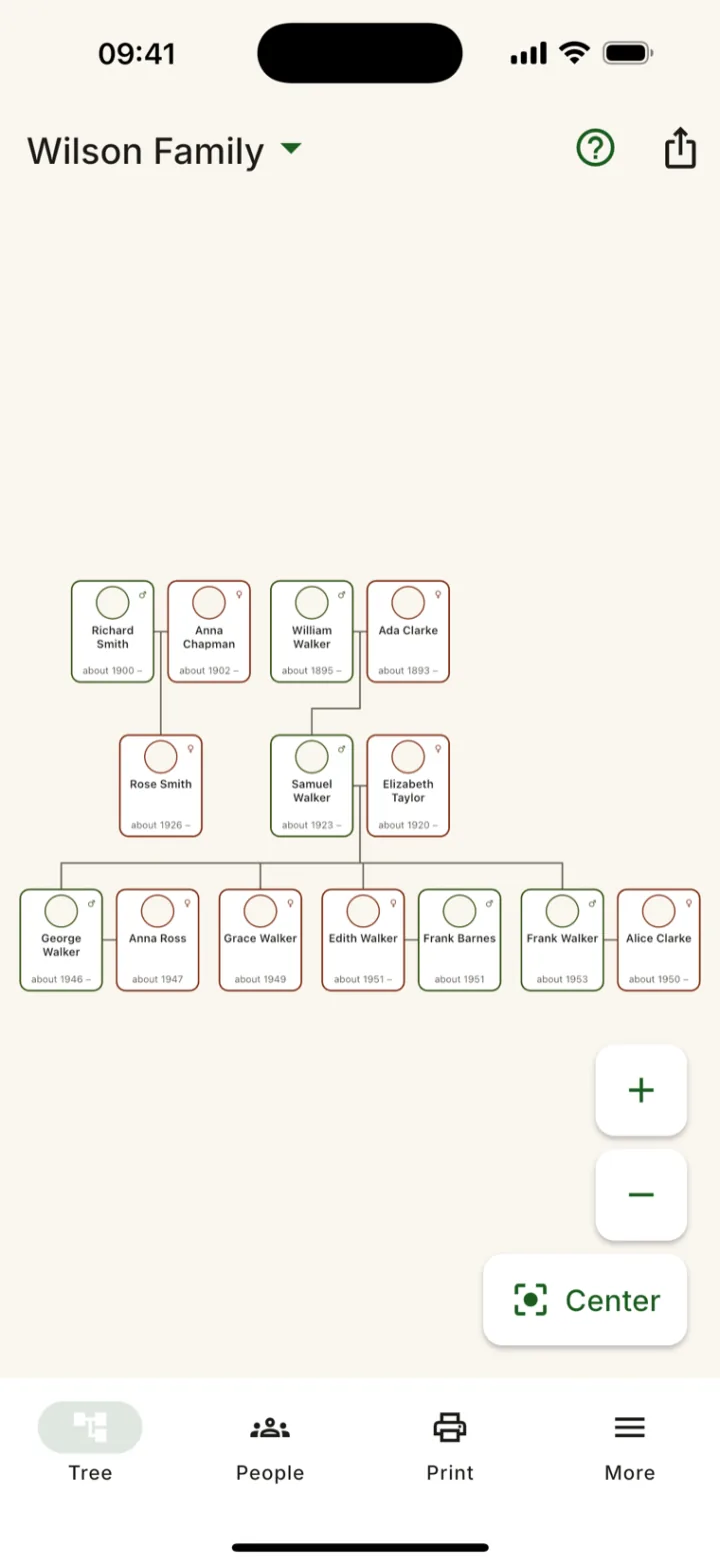
Pan and zoom the whole tree on a fast canvas: ancestors, descendants, remarriages, step- and adopted children. Hundreds of people, pinch or buttons to zoom.
Rodovid is a private family tree the whole family builds together — right on your phone, with no account and no servers. Pass the tree file to a relative, they add their part and send it back. Then print a poster worth framing or a Family Book. Made so grandparents can use it on their own.
A real graph of your family — remarriages, step-children, whole branches — that you can grow, print, and pass around.
Pan and zoom the whole tree on a fast canvas: ancestors, descendants, remarriages, step- and adopted children. Hundreds of people, pinch or buttons to zoom.
Start the tree, send one file to a relative. They add their side and send it back — Rodovid merges the changes and shows who added whom. No accounts, no servers.
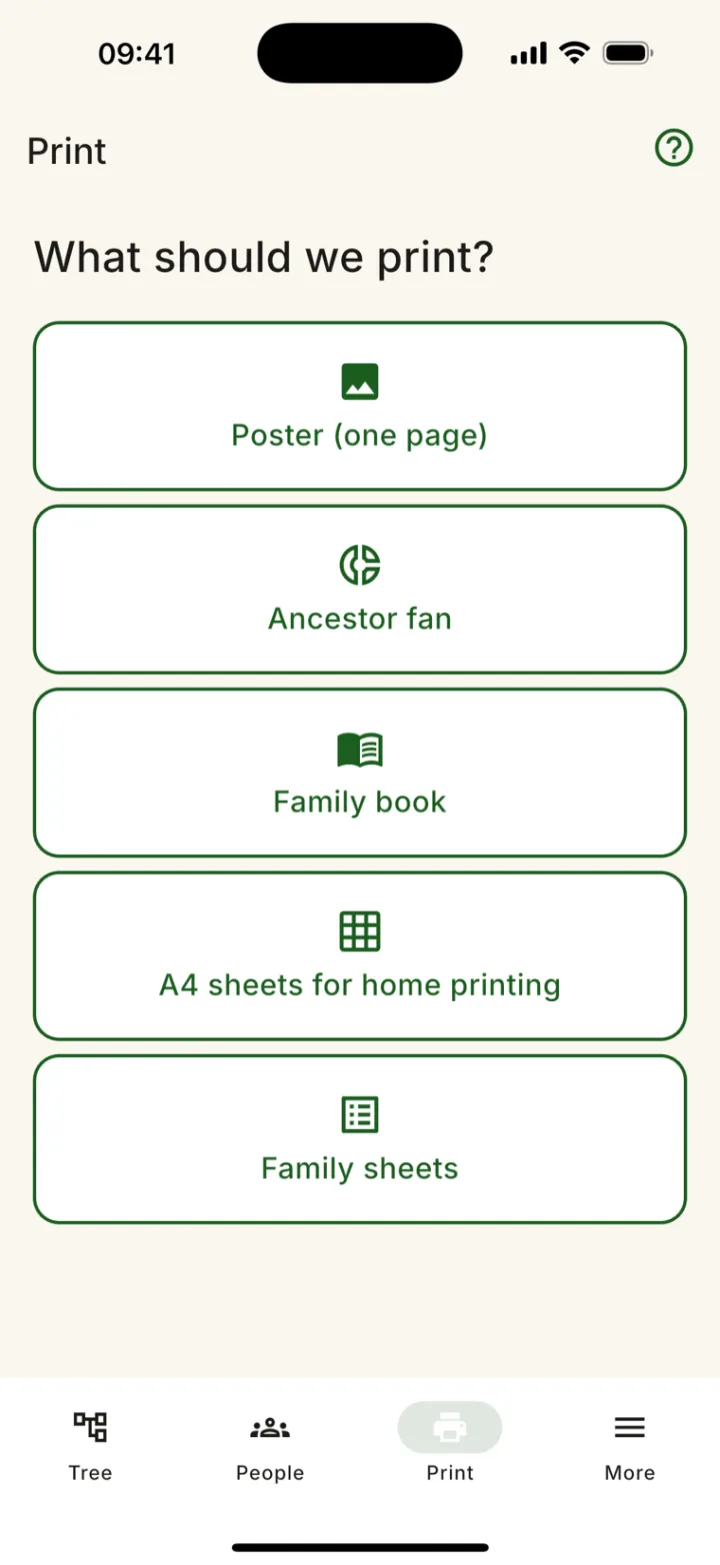
One-page posters up to A0, A4 sheets with an assembly map, family group sheets and a Family Book with a page per person. Vector-crisp at any size.
Photos from the camera or gallery, a scan mode that straightens old paper photos, and audio stories recorded right on a relative's card.
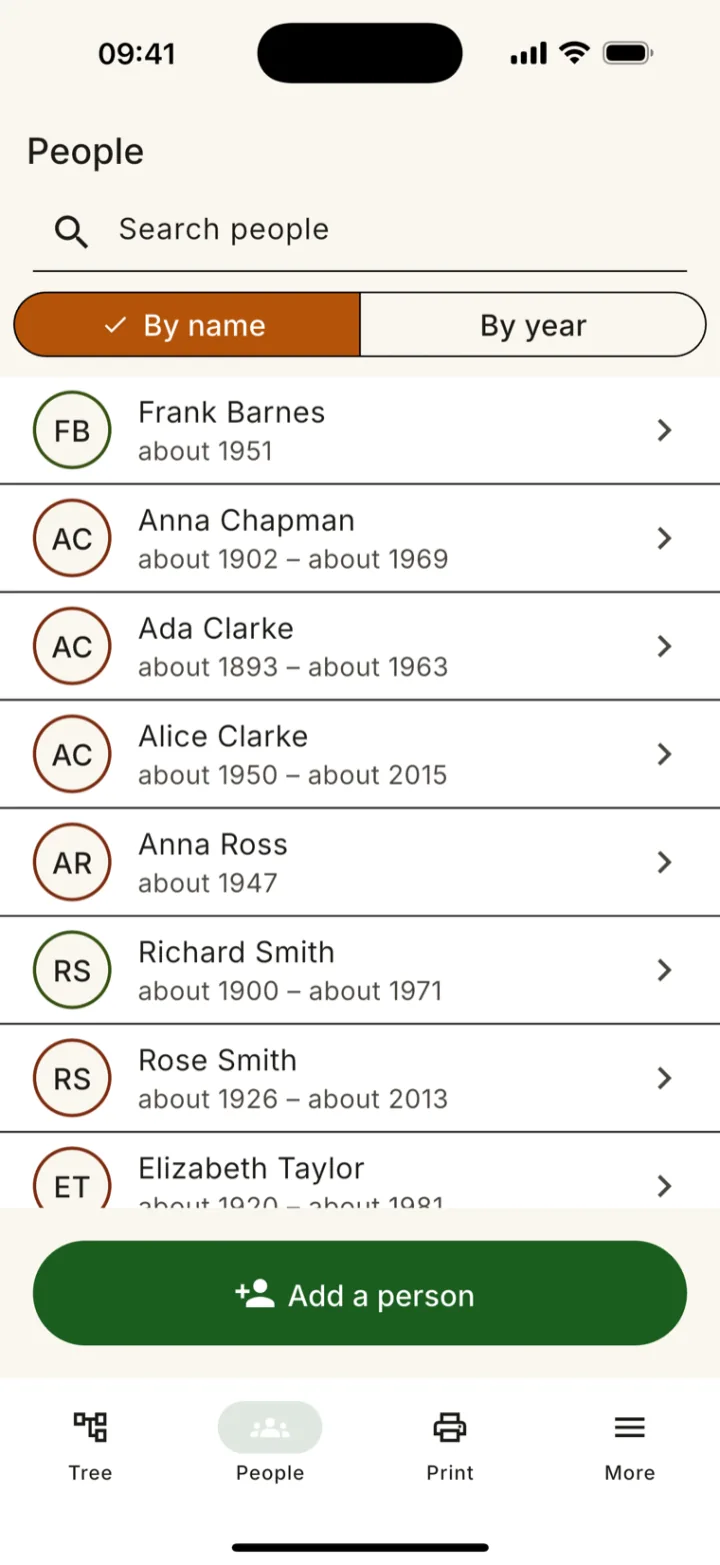
"About 1920", "between 1910 and 1915" — approximate dates are fine. Plus birthday reminders for living relatives.
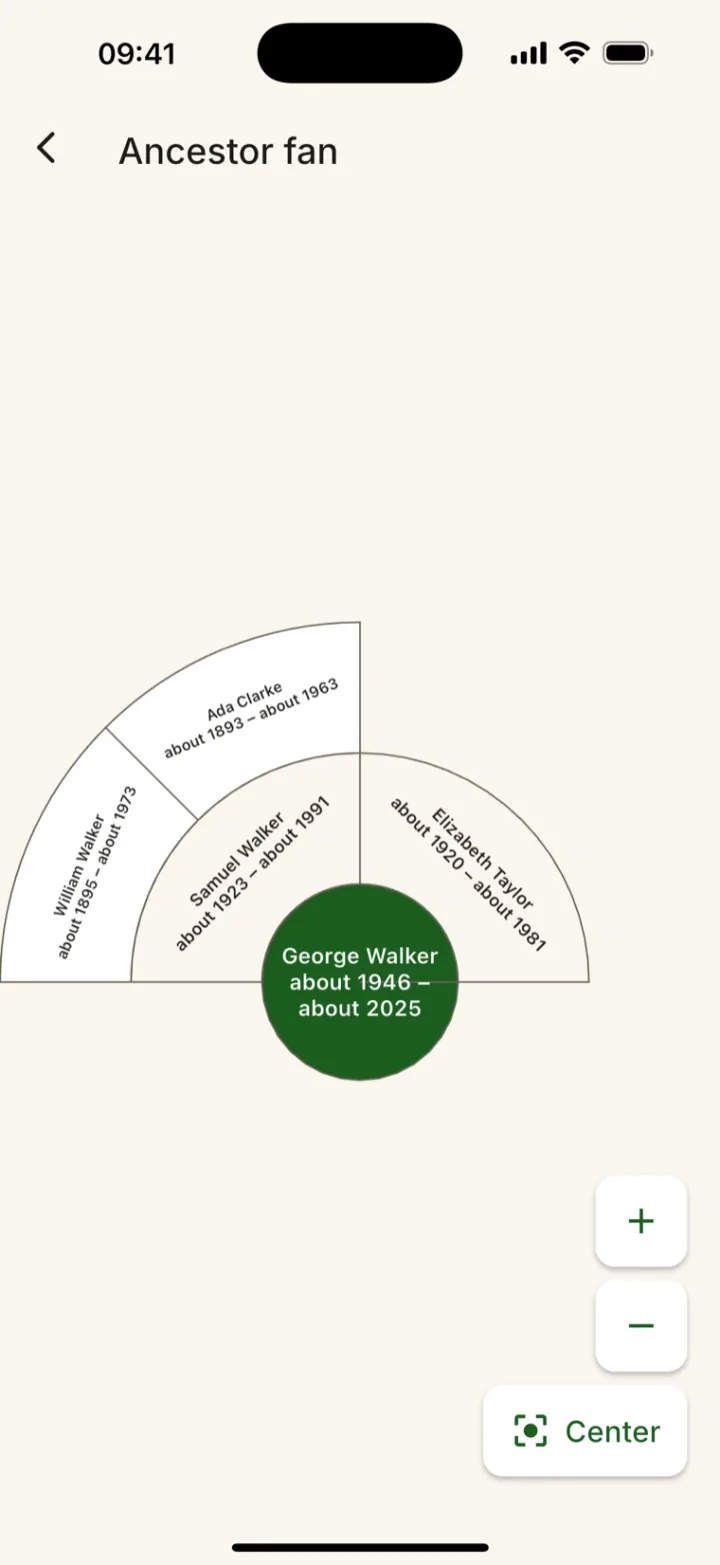
A fan chart shows generations of ancestors at once; family statistics show your tree in numbers.
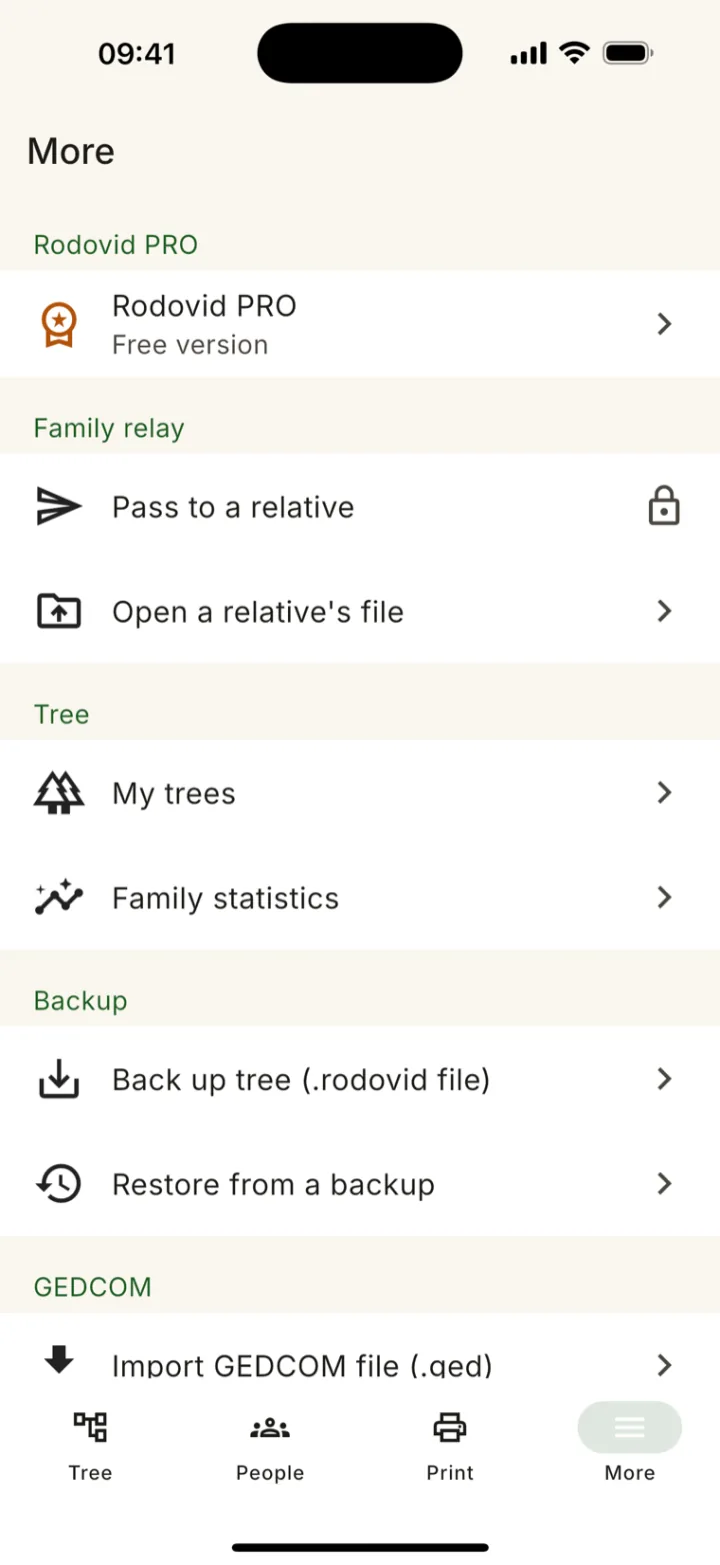
Import from FamilySearch, MyHeritage and other genealogy programs; export standard GEDCOM 5.5.1. Your data is never locked in.
Exports and shared files hide details of living relatives by default. You decide, in plain words, what to include.
Large buttons and text up to 2×, contrast above 7:1, every action one tap away — nothing hides behind gestures, no timers. Grandparents can use it on their own.
The people who remember the most aren't always the ones holding the phone. So Rodovid grows your tree by passing a single file around the family — through any messenger or email. Sending and opening relay files is always free.
Build what you know, then export one .rodovid file.
Share it with a relative over Viber, WhatsApp, Telegram or email.
They open it in their copy, fill in their branch, and send it back.
Rodovid combines both sides and shows who added whom — re-importing changes nothing.
From a blank screen to a printed poster — a few taps at a time.
A short interview adds you, your parents and grandparents in a couple of minutes.
Quick-add tiles — Mother, Father, Son, Daughter. A name and an approximate year is enough to begin.
Send the tree to a relative. They fill in their branch and send it back; Rodovid merges it in.
A poster for the wall, a Family Book, a PDF for the family chat, or a GEDCOM for another program.
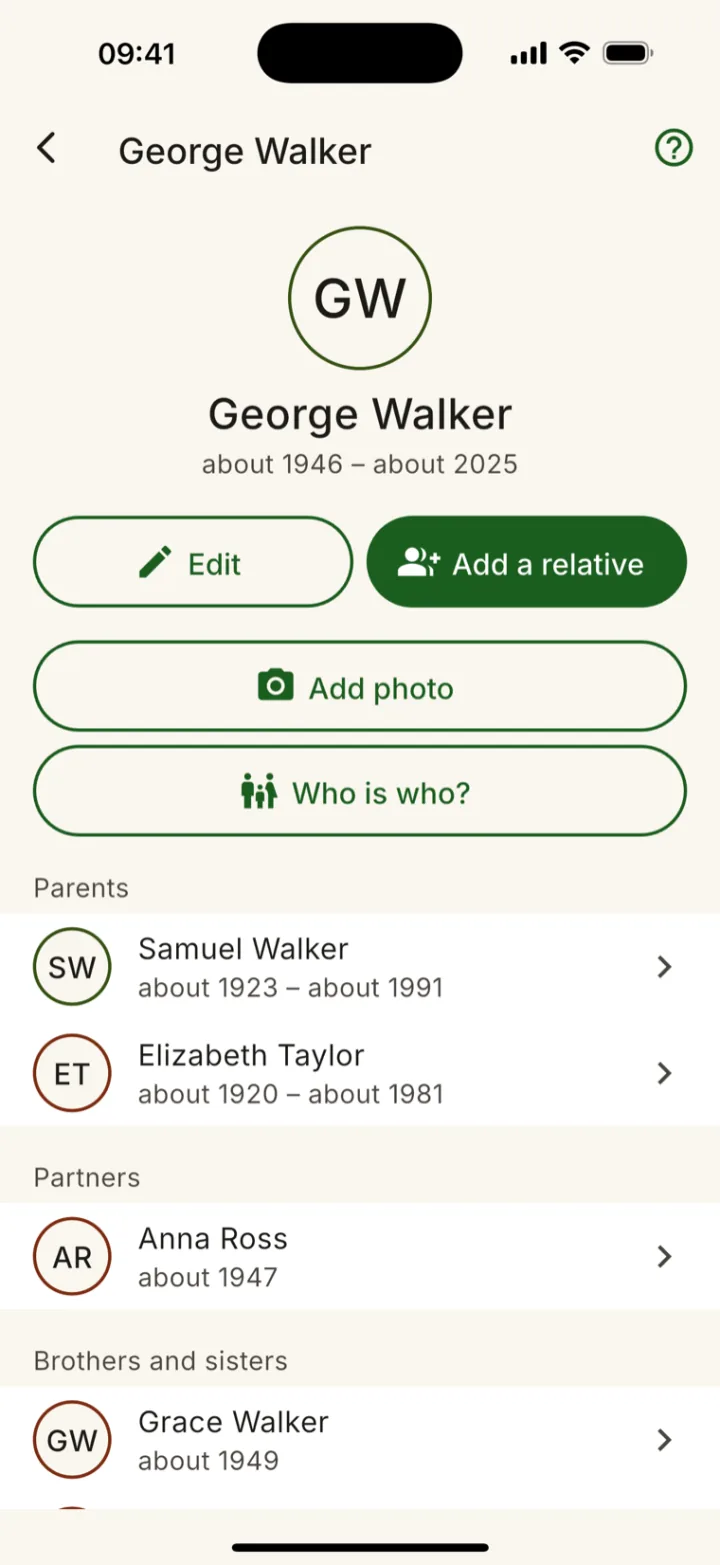
The tree, a person's card, the ancestor fan, printing, and everything in between — straight from the app.
Names, dates and photos of the people closest to you are as personal as data gets. Rodovid keeps them where they belong — with you.
Your whole tree lives in a local database on your phone and never leaves it unless you share a file yourself. No account, no developer servers. Crash reports and usage statistics are optional — turn them off in Settings.
When you export or share, details of living relatives are hidden by default. The Family Relay includes them only if you choose — with a clear warning first.
A single .rodovid file you store wherever you trust. It's also how the relay and restore work — your data, in your hands.
Build, print and pass the tree around for free. Rodovid PRO lifts the limits — as a subscription or a one-time purchase you keep for good.
Start your tree and print it today.
For the family historian: no limits, no watermark.
Rodovid PRO: €2.99 a month or €29.99 a year as an auto-renewing subscription — cancel anytime in your App Store or Google Play account — or €79.99 once, with no renewals. In other currencies the store shows the price before you confirm. Full terms
Free to start on the App Store and Google Play, in nine languages. Install it, add the first three people, and see your tree take shape in a few minutes.